
Remove watermarks from AI-generated images.
Free, browser-based — pick the AI that made your image.
Drop images here
or Browse files
PNG · JPEG · WebP · Supports multiple files
Choose your AI
More models coming soon.
Google Gemini
Pixel-perfect inverse alpha blending. Removes the small white Gemini logo in the bottom-right corner.
Open Gemini toolDoubao (豆包)
Removes the “豆包AI生成” text watermark from the bottom-right corner of Doubao images.
Open Doubao toolJimeng (即梦)
Removes both Jimeng marks: the “AI 生成” pill in the top-left and the “即梦AI” wordmark in the bottom-right.
Open Jimeng toolManual brush
Paint over any watermark — logos, captions, text, signatures — in any image. Powered by AI inpainting on desktop.
Open manual toolSee it in action
Real outputs run through the actual tools — same algorithms you'll use.
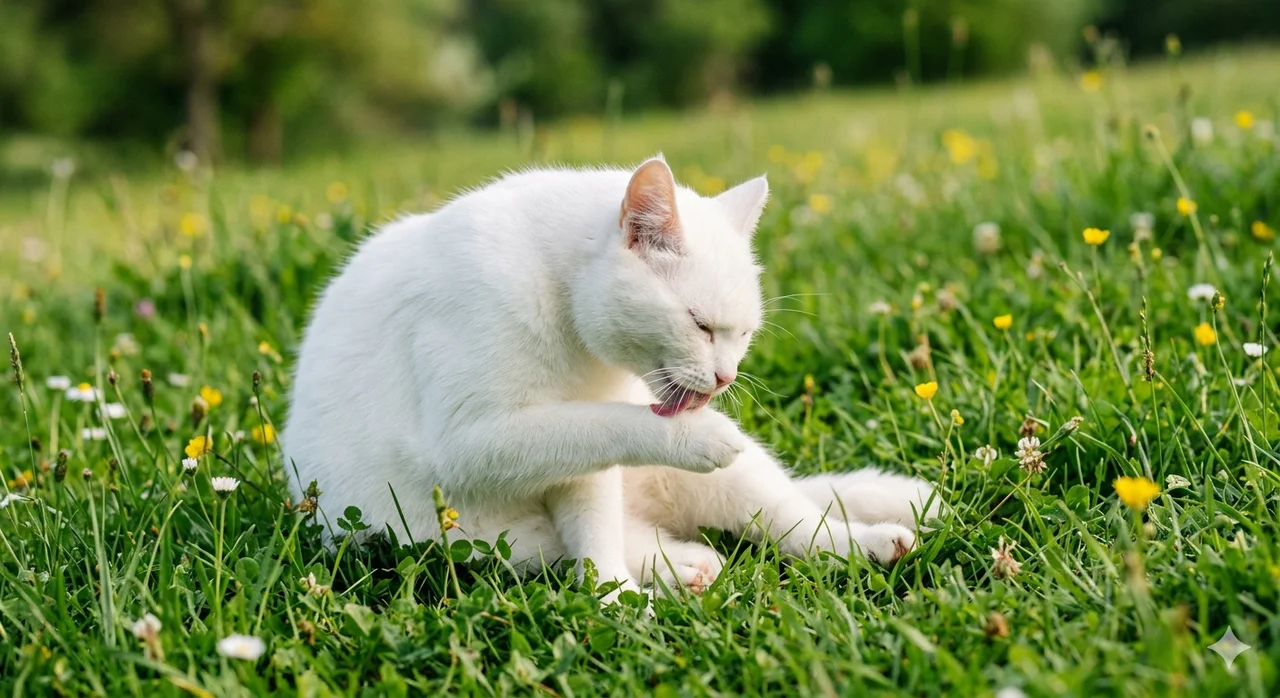 Before
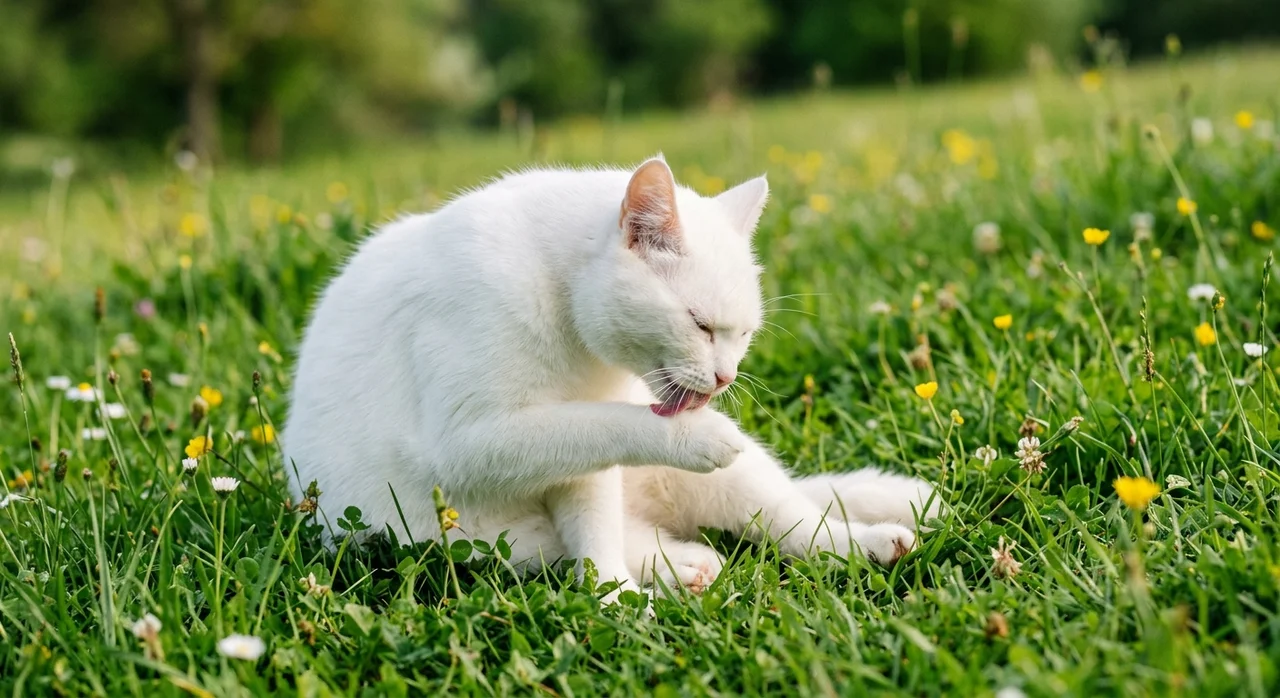 After
After Before
 After
After Before
 After
AfterWhy use AI Watermark Remover
100% private — runs in your browser
Your images never leave your device. All processing happens locally with the Canvas API. No uploads, no logs, no tracking.
Free and unlimited
No signup, no credit card, no daily quota, no extra watermark. Process as many images as you need.
Tool per AI model
Each AI model adds its watermark differently, so we ship a dedicated, calibrated tool for each — better results than a generic eraser.
Batch ready
Drop dozens of images at once and download them all as a single ZIP.
Why we built this AI watermark remover
Most online watermark erasers fall into two camps. One: generic AI inpainting wrappers that treat every watermark like an unknown blob and produce visible artifacts on busy backgrounds. Two: services that upload your image to a server, hold it, and may store it for analytics or model training. Neither felt right for a tool people use every day.
Our AI watermark remover takes a different approach. Each supported generator gets its own calibrated algorithm — the tool knows where the brand logo sits, what blend mode produced it, and applies the technique best suited to reverse it. That's what makes the output sharper than a one-size-fits-all eraser.
Because every step runs locally on your device, this tool never sees your file. No uploads, no signup, no premium tier, no analytics. The whole site is a single static bundle served from Cloudflare's edge — open the network tab while you process an image and you'll see no requests carrying your data.
How the tool handles each generator
For Google Gemini, the AI watermark remover applies inverse alpha blending against a calibrated overlay map. The math is exact: the original RGB values come back without any guess. There is no AI involved on the Gemini path — it's pure pixel arithmetic, finished in milliseconds.
For Doubao (豆包), the tool loads a small ONNX inpainting model (MI-GAN, 27 MB, Apache-2.0) the first time you process a Doubao image on desktop. The model runs in your browser via WebGPU or WebAssembly, detects the white “豆包AI生成” strip in the bottom-right and reconstructs the underlying pixels. The model is cached after the first download, so subsequent images are instant.
On mobile, the Doubao pipeline automatically swaps to a lightweight column-median fallback — quality is lower than the AI inpainting on desktop, but it avoids the iOS Safari memory pressure that kills the tab.
Privacy you can verify
Modern “watermark remover” sites typically need your image on a server to do anything useful. AI Watermark Remover does not. Every detection, mask and pixel write happens inside your browser using the Canvas API. There is no backend, no logging, no telemetry pipeline.
If that sounds too good to be true, you can verify it. Open the browser's network panel, drop an image in, and watch — no upload requests carry your file. The only network activity is a one-time download of static assets and, for Doubao on desktop, a one-time download of the inpainting model.
Use cases for the AI watermark remover
Designers and marketers reach for this AI watermark remover when they need a clean asset for a mockup, social post, banner or print layout. Educators and researchers use it to compare model outputs without the visual noise of brand watermarks. Content creators use it to keep a consistent look across batches of generated images.
We provide the tool for personal, research and creative-workflow use. Removing a watermark does not change the licensing of the underlying content — you remain responsible for following the terms of service of whichever AI generator produced the original image.
What's next
Today this AI watermark remover supports Google Gemini, Doubao and Jimeng (即梦) — the three generators that ship the most widely-recognised watermarks in their respective markets — plus a manual brush mode that handles any other watermark you paint over. Midjourney and several Stable Diffusion derivatives are on the roadmap; we prioritise based on user requests. If your favourite model isn't supported yet, the manual brush is the universal fallback.
Frequently asked questions
Which AI models are supported today?
Google Gemini, Doubao (豆包) and Jimeng (即梦) right now, plus a manual brush mode that works on any other watermark. We pick the next dedicated tools based on user demand — Midjourney and other generators are on the roadmap.
Why a separate tool per AI?
Every AI applies its watermark differently — different position, size, opacity, blend mode. A model-specific tool with a calibrated map gives much cleaner results than a generic watermark eraser.
Do you upload my images anywhere?
No. Every image is processed locally inside your browser. Files never leave your device.
Is it free?
Yes, completely free with no usage limits. No signup, no credit card.
What image formats work?
PNG, JPEG and WebP files up to 20 MB per image. Drop multiple files at once for batch processing.